
Understanding the Lightbox Pattern
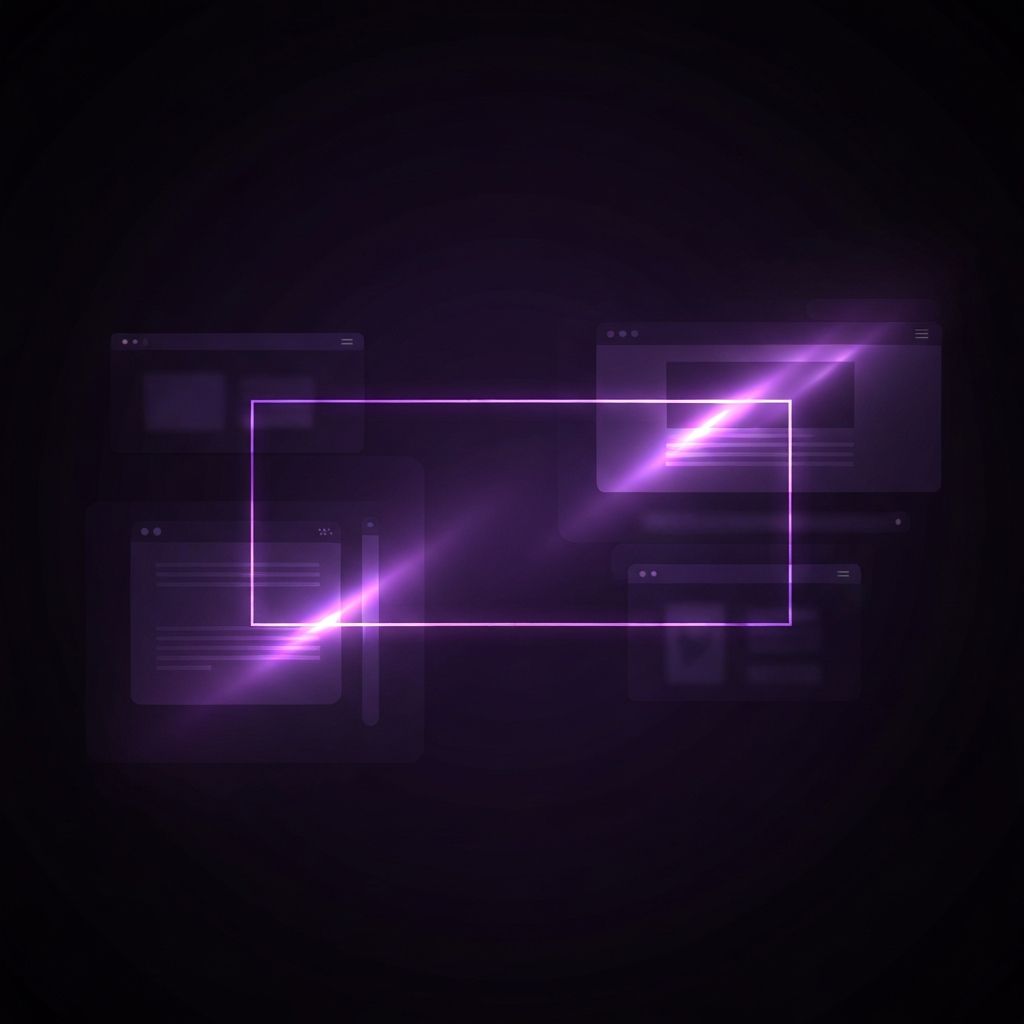
A lightbox is a user interface element that overlays content on top of the existing webpage, dimming the background to draw full attention to the focused item. When a user clicks on a thumbnail image, video, or link, the lightbox opens in the foreground, allowing them to view the content in a larger, distraction-free format without navigating away from the original page. Once the user closes the lightbox, they return immediately to where they left off.
This pattern has become a standard part of modern web design because it provides an elegant way to display rich media without disrupting the user's flow. It is widely used in photography portfolios, e-commerce product galleries, video showcases, and even login or signup forms.
Get Expert Help from AAMAX.CO
Implementing a polished, accessible lightbox can be more complex than it looks. The team at AAMAX.CO specializes in creating modern, performance-optimized websites with thoughtful interactive elements like lightboxes. They are a full service digital marketing company offering web development, digital marketing, and SEO services worldwide, and their designers know how to integrate lightboxes that enhance user experience without slowing down the site or hurting accessibility.
How a Lightbox Works
Technically, a lightbox is built using a combination of HTML, CSS, and JavaScript. When triggered, the script creates a fixed-position overlay that covers the entire viewport. A semi-transparent backdrop dims the rest of the page, while the focused content is centered on top. Users can typically close the lightbox by clicking the backdrop, pressing the escape key, or tapping a close button.
Modern lightboxes often include navigation arrows that let users move through a gallery of items without closing the overlay. Some also support keyboard navigation, swipe gestures on mobile devices, and lazy loading to keep performance fast. Advanced versions integrate with content management systems, video players, and analytics platforms.
Common Use Cases for Lightboxes
Photography and design portfolios are among the most common places to find lightboxes. They allow visitors to click thumbnails and view larger versions without leaving the page. E-commerce sites use lightboxes to display product images at higher resolution, helping shoppers examine details before buying. Video lightboxes are popular on landing pages, where they let visitors watch a promotional video in a focused environment.
Lightboxes are also used for forms, such as newsletter signups or login screens. By presenting these forms as overlays, designers can capture user attention without forcing a full page redirect. Some sites even use lightboxes to display terms and conditions, image zooms, or interactive maps.
Benefits of Using a Lightbox
The biggest advantage of a lightbox is focus. By dimming the background and isolating the content, it removes distractions and lets users concentrate on the item being shown. This can lead to higher engagement, longer time on page, and improved conversion rates for forms or calls to action.
Lightboxes also improve site flow. Because users do not have to navigate to a separate page, they remain in the original context, which makes browsing galleries or product collections feel seamless. This continuity is especially important for portfolios and e-commerce sites where users often want to compare multiple items.
Potential Drawbacks to Consider
While lightboxes are useful, they are not always the right choice. Poorly designed lightboxes can feel intrusive, especially when they appear automatically without user interaction. Marketing popups disguised as lightboxes are a common source of frustration and can hurt user trust if used aggressively.
Performance is another concern. A heavy lightbox script with large unoptimized images can slow down the page, particularly on mobile devices. Accessibility is also frequently overlooked. A well-built lightbox must trap keyboard focus inside the overlay, support screen readers, and provide a clear way to close the dialog. Without these considerations, the lightbox can become a barrier rather than a feature.
Best Practices for Lightbox Implementation
Designers and developers should follow several best practices when adding lightboxes to a site. The trigger should always be intentional, meaning users click or tap to open the lightbox rather than having it appear automatically. The close action should be obvious, with a visible close button and support for the escape key. Background scrolling should be locked while the lightbox is open to prevent disorientation.
Images and videos inside the lightbox should be optimized for fast loading, using modern formats and appropriate compression. Lazy loading ensures that gallery items only load when needed. Animations should be smooth but subtle, avoiding excessive motion that can feel jarring. Finally, accessibility attributes such as ARIA roles and labels should be included to support assistive technologies.
Popular Lightbox Libraries and Tools
There are many open source libraries that make it easy to add lightboxes to a website. Tools like GLightbox, Fancybox, and PhotoSwipe offer flexible options with strong feature sets. Many modern frontend frameworks also include lightbox-style modal components out of the box, making integration straightforward.
For sites built on platforms like WordPress or Webflow, lightbox functionality is often available through plugins or built-in features. While these tools simplify implementation, designers should still review accessibility, performance, and styling to make sure the lightbox matches the overall brand and user experience.
Final Thoughts
The lightbox remains one of the most useful design patterns in the modern web designer's toolkit. When used thoughtfully, it creates focused, elegant interactions that delight users and support business goals. When implemented poorly, it can feel disruptive and frustrating. Understanding the principles behind a great lightbox, and partnering with experienced designers when needed, is the key to using this pattern effectively.