
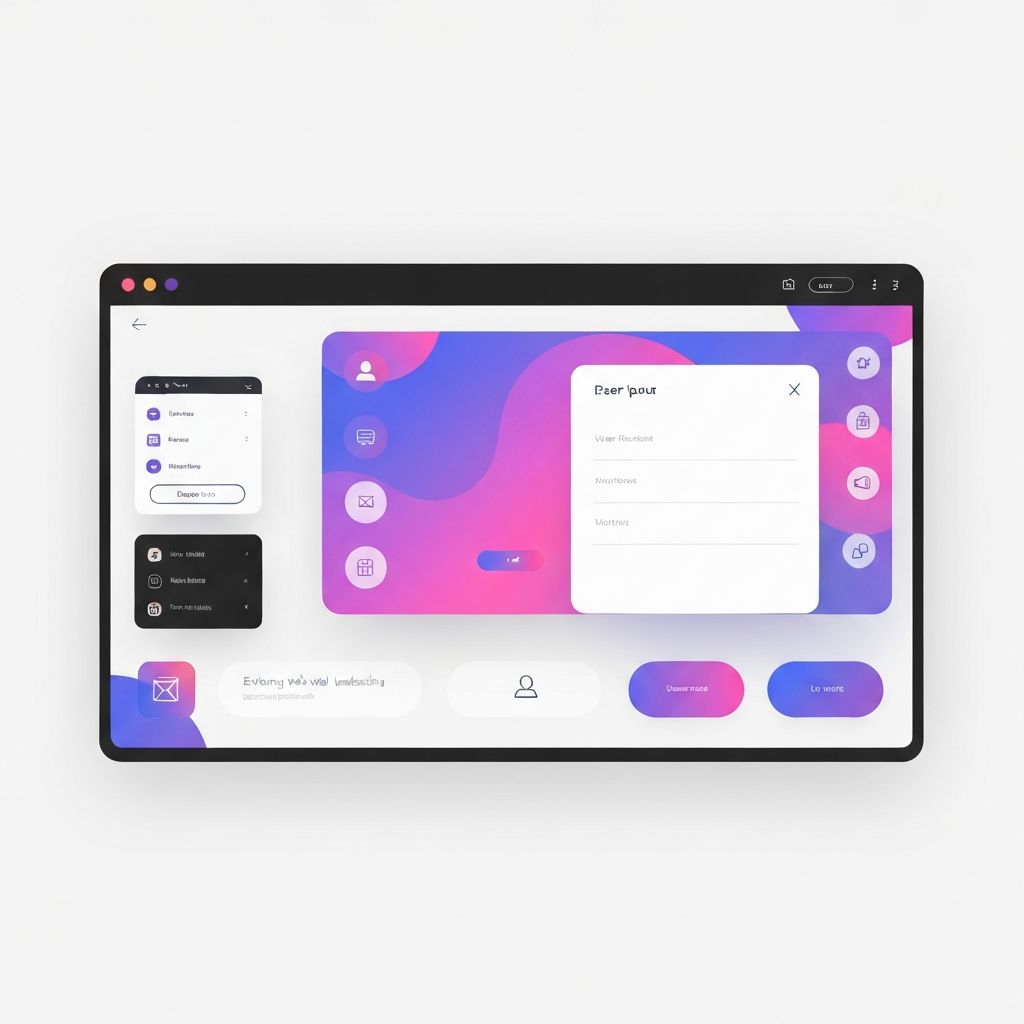
Welcome to Web Page Design 101
Web Page Design 101 is the entry point for anyone who wants to learn how websites are crafted to be both beautiful and effective. Before diving into pixels and code, it helps to understand that web design is a balance of creativity and functionality. A web page must look good, but it must also perform well, communicate clearly, and respect the user's time. By starting with the fundamentals, beginners can avoid common pitfalls and build a solid foundation for more advanced techniques later on.
This introductory guide covers the building blocks of design, the tools commonly used, and the workflow professionals follow when creating real-world projects. Whether the goal is to launch a personal portfolio, a small business site, or a complex application, the same core principles apply. Mastering them early makes the journey much smoother.
Hire AAMAX.CO for Professional Web Design and Development
While learning the basics is rewarding, many businesses prefer to launch with the polish of a seasoned team behind them. AAMAX.CO offers complete web design and development services, helping clients turn ideas into high-performing websites. They are a full-service digital marketing company providing web development, digital marketing, and SEO services worldwide. Their experts blend creative design with technical excellence to deliver websites that look professional, load quickly, and convert visitors into customers.
Understanding the Building Blocks
Every web page is built from a small set of building blocks: HTML for structure, CSS for style, and JavaScript for interactivity. HTML defines headings, paragraphs, images, and links. CSS controls layout, color, typography, and spacing. JavaScript brings the page to life with animations, form validation, and dynamic content. Beginners do not need to master all three at once; understanding how they work together is the first big step.
Beyond code, design relies on visual fundamentals such as alignment, contrast, repetition, and proximity. These principles, often called the basics of graphic design, also guide web design. Aligning elements creates order, contrast draws attention, repetition builds consistency, and proximity groups related items. Together they make pages feel intentional rather than random.
Color, Typography, and Imagery
Color sets the emotional tone of a page. Warm colors feel energetic, cool colors feel calm, and neutral palettes feel professional. Beginners should start with a small palette, perhaps three to five colors, and use them consistently. Typography is equally important. Choosing a clean, readable font for body text and a complementary font for headings instantly elevates a design. Imagery, including photos, illustrations, and icons, adds personality. High-quality, on-brand visuals can transform an ordinary page into a memorable one.
Layout and Grids
Layouts give pages structure. A grid system divides the page into columns and rows, providing a framework for placing elements. Twelve-column grids are widely used because they offer flexibility for various layouts. Beginners should practice sketching layouts on paper before opening a design tool. This helps clarify hierarchy and prevents endless tweaking later. Common layouts include the hero section at the top, followed by features, testimonials, and a call-to-action section.
Wireframes, Mockups, and Prototypes
Professional designers rarely jump straight into final visuals. They start with wireframes, which are simple sketches showing layout and content placement without colors or images. Next come mockups, which add visual detail. Finally, prototypes simulate interactivity, allowing stakeholders to click through the design as if it were a real website. Tools like Figma, Sketch, and Adobe XD make this process collaborative and efficient.
Responsive Design Basics
A modern web page must work on phones, tablets, laptops, and large monitors. Responsive design uses flexible grids, fluid images, and CSS media queries to adapt to any screen size. Beginners should always test their pages on multiple devices or use browser tools that simulate different viewports. A page that looks perfect on a desktop but breaks on mobile is not ready for the public.
User Experience Fundamentals
User experience, often called UX, focuses on how users feel when interacting with a page. Good UX is invisible: visitors find what they need quickly and complete their goals without frustration. Beginners can improve UX by writing clear headlines, organizing navigation logically, using descriptive buttons, and removing unnecessary distractions. Every design decision should answer the question: does this make the user's life easier?
Tools to Get Started
The right tools accelerate learning. Figma is a popular choice for designing layouts because it is free for individuals and works in the browser. For coding, Visual Studio Code is an excellent free editor. To learn HTML, CSS, and JavaScript, resources like MDN Web Docs and freeCodeCamp offer interactive lessons. Practicing with small projects, such as recreating a favorite website, is one of the fastest ways to improve.
Common Beginner Mistakes
New designers often try to use too many fonts, too many colors, or too many effects on a single page. The result is visual noise that distracts from the content. Other common mistakes include ignoring mobile users, neglecting accessibility, and skipping testing. The best designs are usually the ones that feel simple and obvious, which only happens through careful iteration. With expert website design support, beginners and businesses can avoid these traps and launch with confidence.
Final Thoughts
Web Page Design 101 is just the beginning of a rewarding creative journey. Every great designer started where you are now, learning one principle at a time. Focus on understanding the fundamentals, practicing consistently, and studying real-world examples. Over time, the patterns will become second nature, and designing beautiful, effective web pages will feel less like a challenge and more like a craft you genuinely enjoy.