
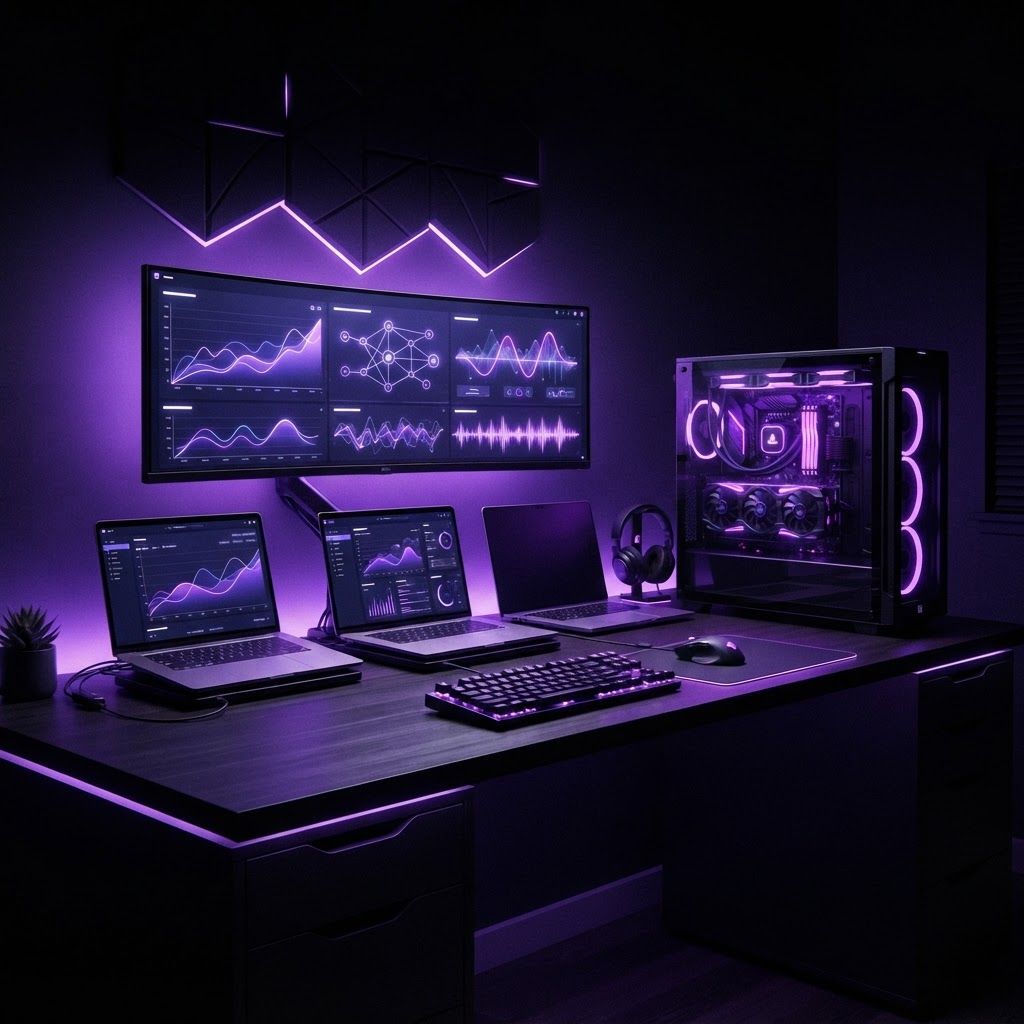
How San Bernardino Buys Computers
Computer purchasing in San Bernardino reflects the region's economic profile. The city has a large student population attending California State University, San Bernardino, San Bernardino Valley College, Crafton Hills College and a substantial K-12 system, all of which drive demand for affordable, durable laptops. The logistics and warehousing sector needs rugged workstations, warehouse-floor terminals and reliable fleet deployments managed by small internal information technology teams. Healthcare, government and education institutions buy through procurement processes that weigh service contracts and security features heavily. And a growing community of freelancers, content creators and small businesses needs performance hardware without enterprise budgets.
Availability is strong. National retailers, warehouse clubs, direct online purchasing, business channel resellers and local independent computer shops all serve the area, and the Inland Empire's distribution infrastructure means shipping is fast for online orders.
Leading Computer Brands
1. Apple. Apple's transition to its own silicon fundamentally changed the calculus for laptop buyers. Its machines now offer exceptional battery life, quiet fanless operation in lighter models and strong sustained performance in video editing, music production and software development. The ecosystem integration with phones and tablets is genuinely useful, resale value is the highest in the industry, and long-term software support is excellent. The drawbacks are high initial cost, limited upgradeability and less suitability for Windows-dependent business software.
2. Dell. Dell is arguably the most versatile brand across segments. Its business lines emphasize durability, serviceability, standardized imaging and multi-year on-site support contracts, which is why so many institutions deploy them. Its consumer and gaming lines cover budget through high performance. For organizations managing dozens or hundreds of machines, Dell's predictable configurations and support infrastructure reduce administrative burden significantly.
3. Lenovo. Lenovo's business laptops have a deserved reputation for keyboard quality, structural durability and practical engineering. Its enterprise machines are widely regarded as among the most reliable and repairable available, with excellent parts availability. The consumer and workstation lines are competitive as well, and the brand generally offers strong value at mid-range price points.
4. HP. HP competes across the full spectrum with particularly strong presence in business desktops, all-in-one systems, mobile workstations and printing. Its manageability and security features appeal to information technology departments, and its widespread retail availability means local buyers can compare models in person. The workstation line is a serious option for engineering and design applications.
5. ASUS. ASUS has built a strong following among value-conscious performance buyers. Its gaming and creator laptops frequently deliver more processing and graphics capability per dollar than competitors, and its display quality on higher models is excellent. The brand also produces well-regarded motherboards and components, making it relevant to custom builders.
6. Acer. Acer is dominant in the budget segment, and that matters enormously in a market with a large student population. Its affordable laptops and Chromebooks are the practical entry point for many families, and school districts across the Inland Empire have deployed Chromebooks at scale because of low cost, simple management and quick replacement.
7. Microsoft Surface. Surface devices appeal to buyers who want tight hardware and operating system integration, high-quality displays, pen input and premium build in a portable form factor. They are common among professionals who take handwritten notes, present frequently or need tablet flexibility alongside a full desktop operating system.
8. MSI. MSI focuses on gaming and content creation, with strong thermal engineering and high-end graphics configurations. For users doing three-dimensional rendering, video production or serious gaming, the brand's thermal design allows sustained performance that thinner machines cannot maintain.
9. Framework. Framework represents a genuinely different approach: modular, user-repairable laptops with replaceable ports, batteries, memory, storage and even mainboards. For buyers concerned about electronic waste, long-term ownership cost or the ability to upgrade rather than replace, it is the most compelling option available, though the ecosystem is smaller than established brands.
10. Custom-built desktops from local shops and component brands. For maximum performance per dollar and full repairability, a custom desktop remains unbeatable. Local independent computer shops in San Bernardino build systems to specification, offer face-to-face support and often provide better service on repairs than mail-in warranty programs. Component brands supplying these builds are effectively part of the brand landscape.
Trends Worth Understanding
On-device artificial intelligence acceleration is now a mainstream specification. Processors with dedicated neural processing units handle background tasks such as noise suppression, image enhancement and local model inference more efficiently. For most users this is a nice improvement rather than a necessity, but it will matter increasingly over a typical five-year ownership period.
Efficiency-focused processor architectures have transformed laptop battery life, with all-day operation now realistic across many brands rather than only premium ones. Meanwhile, repairability and right-to-repair pressure have prompted several manufacturers to improve parts availability and service documentation.
Cloud and browser-based computing continues to reduce the hardware demands of ordinary work. A modest machine paired with reliable internet handles a substantial share of business and academic tasks, which allows budget-constrained buyers to spend less on processing power and more on display quality, storage and durability.
How to Choose the Right Computer
Define the workload first. Web browsing, documents and video calls require far less hardware than video editing, computer-aided design or software compilation. Overbuying wastes money; underbuying creates daily friction and shortens useful life.
Prioritize memory and solid-state storage over marginal processor upgrades for most users, since insufficient memory is the most common cause of a machine feeling slow. Weigh display quality seriously if you work long hours, and consider weight and battery life honestly against how often you actually travel.
Then evaluate support. For a business or institution, on-site warranty, imaging services and parts availability often justify a higher purchase price. For individuals, a local shop that can repair a machine quickly may be worth more than a marginally better specification. Finally, consider total ownership cost including resale value, upgradeability and expected software support duration.
Final Thoughts
There is no single best computer brand in San Bernardino, only better and worse matches to specific needs. Students and families are well served by affordable, durable machines and Chromebooks. Logistics and institutional buyers benefit from the manageability and support infrastructure of business lines. Creators and engineers need thermal capacity and display quality. Buyers who start from an honest assessment of their workload and support requirements consistently end up with better machines than those who start from a brand preference.