
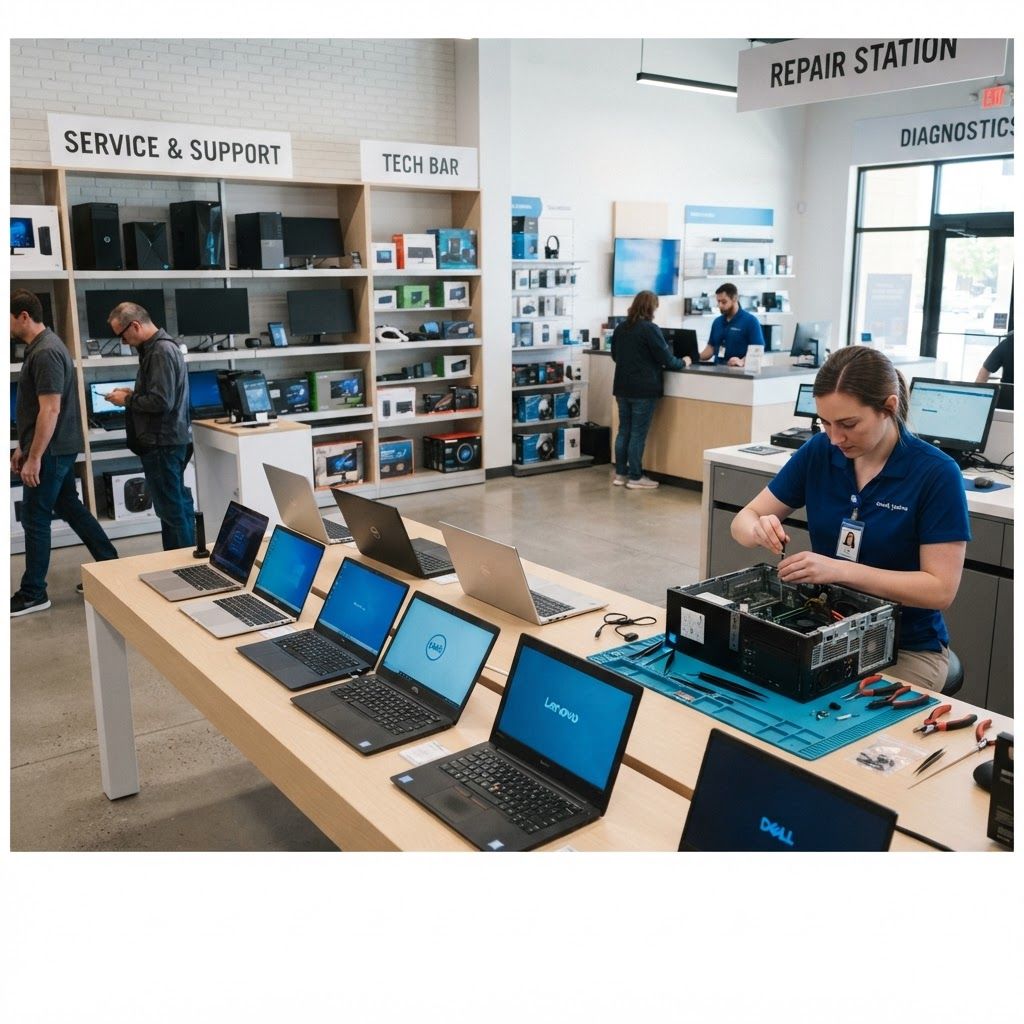
Computer purchasing has become deceptively difficult. Specifications are more similar across brands than ever, marketing obscures meaningful differences, and the factors that actually determine satisfaction — build quality, thermal design, keyboard feel, service responsiveness — are the hardest to compare on a product page. For Buffalo buyers, local support availability adds another dimension worth weighing carefully.
What Matters in the Buffalo Market
Two local factors deserve attention. First, the region has a substantial student population across the University at Buffalo, Buffalo State, Canisius and several other institutions, which drives demand for durable, portable and reasonably priced laptops with accessible repair options. Second, the professional base skews toward healthcare, education, manufacturing, legal and financial services, all of which prioritize reliability, security features and business-class warranty support over consumer flourishes.
Climate plays a minor but real role too. Devices moved repeatedly between subzero outdoor temperatures and heated interiors experience condensation risk and battery stress, which favors well-built machines with solid thermal management.
The Top 10 Computer Brands Available in Buffalo
1. Apple
Strong across laptops and desktops, with exceptional battery efficiency, display quality and build integrity on current silicon. Excellent for creative work and general professional use, with local authorized service available, though repairability and upgrade options remain limited.
2. Lenovo
The ThinkPad line remains a benchmark for business durability, keyboard quality and serviceability, with on-site warranty options that suit organizations. Consumer lines offer competitive value, and enterprise management tooling is well developed.
3. Dell
Broad range spanning consumer, business and workstation categories with dependable next-business-day support contracts. XPS laptops compete well on build and display, while OptiPlex and Latitude lines are institutional mainstays for good reason.
4. HP
Extensive lineup with strong business-class security features and manageability. EliteBook and ProBook lines are common in regional offices, and printer ecosystem integration remains a practical consideration for many organizations.
5. ASUS
Offers strong specification-per-dollar across consumer and gaming lines, with well-regarded thermal engineering in higher tiers. ROG gaming machines and ZenBook ultraportables both have committed followings among students.
6. Acer
Competitive on price, making it popular for budget-conscious buyers and education deployments. Build materials are generally more modest, but the value proposition at lower price points is genuinely difficult to match.
7. Microsoft Surface
Well suited to hybrid tablet and laptop use, with excellent displays and pen input for note-taking and design. Tight operating system integration is a benefit, though repairability and port selection are constraints.
8. MSI
Focused primarily on gaming and content creation hardware with high-performance thermal solutions. Strong choice for demanding workloads like video editing, three-dimensional rendering and simulation.
9. Framework
Built around modularity and repairability, with user-replaceable components and upgradeable mainboards. Appealing to buyers who prioritize longevity, right-to-repair principles and reduced electronic waste over the thinnest possible chassis.
10. Custom-Built Systems from Local Shops
Locally assembled desktops using selected components remain the best value for high-performance desktop needs. Buffalo has several capable independent builders, and the advantage is component-level warranty plus a technician who knows the machine and is physically nearby.
How to Choose the Right Computer
Define the workload honestly. Most office and academic work is bounded by memory and storage speed rather than processor performance, meaning sixteen gigabytes of memory and a fast solid-state drive deliver more perceived improvement than a higher-tier processor. Video editing, engineering software and machine learning are the genuine exceptions requiring serious graphics and processing capability.
Weight warranty and support appropriately. Business-class warranties with on-site or next-business-day service cost more but eliminate the productivity loss of shipping a machine away for two weeks. For students and home users, verifying that a local authorized repair option exists is worth doing before purchase rather than after failure.
Consider the full ownership period. Battery replaceability, memory and storage upgradeability, port selection and operating system support duration all determine whether a machine remains useful in year five. Machines with soldered memory and glued batteries frequently become disposable earlier than their performance would suggest. Finally, buy slightly more memory and storage than you currently need, since these are the constraints most people encounter first and the hardest to remedy later.
Trends in Personal Computing
Efficiency-focused processor architectures have dramatically improved battery life across all brands, making all-day laptop use routine. On-device artificial intelligence acceleration is now marketed heavily, though practical benefits remain narrower than the messaging suggests. Repairability has gained genuine momentum through regulation and consumer pressure, with several manufacturers publishing parts and service documentation. Refurbished business-class hardware has become an excellent value channel, offering superior build quality at consumer price points. Displays have also improved sharply, with high refresh rates and better color accuracy reaching mid-range machines.
Final Thoughts
The best computer brand in Buffalo depends less on rankings than on matching a machine to your actual workload and confirming that support exists nearby when something fails. Prioritize memory, storage and build quality over headline processor numbers, choose business-class warranties for anything you depend on professionally, and seriously consider refurbished enterprise hardware or a locally built desktop if value matters most. Those choices consistently outperform buying the newest thing available.