
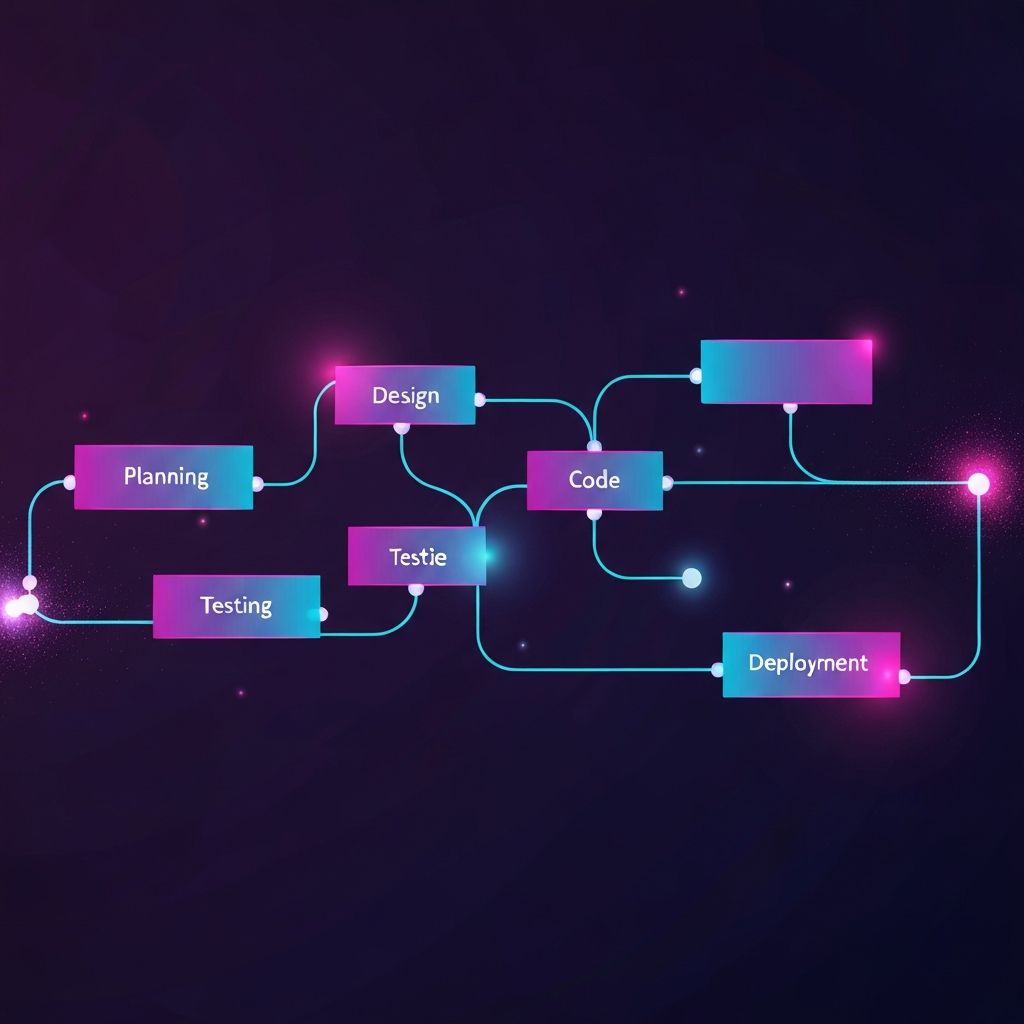
A clear web development workflow is the difference between projects that ship on time and projects that drift forever. Modern websites involve designers, developers, content creators, QA engineers, and stakeholders, all moving in sync through a defined sequence of stages. When the workflow is intentional, communication flows naturally, bugs are caught early, and launches feel calm rather than chaotic. Whether building a marketing site or a complex web application, mastering a repeatable workflow turns delivery from an art into a reliable craft.
Streamline Your Project with AAMAX.CO
Companies that want a smooth, transparent process often choose AAMAX.CO, a full-service digital marketing company offering web development, digital marketing, and SEO services worldwide. Their team follows a structured workflow that keeps clients informed at every stage, from discovery to deployment, while still allowing flexibility when priorities shift. By combining proven processes with modern tools, they deliver web design and development projects that hit timelines, budgets, and quality benchmarks for clients of every size.
Stage 1: Discovery and Planning
Every great workflow starts before a single line of code is written. Discovery sessions clarify business goals, target audiences, content needs, integrations, and success metrics. Stakeholders agree on scope, timelines, and budgets, while teams document constraints and assumptions. Information architecture is sketched, sitemaps are drafted, and key user journeys are mapped. Skipping this stage is the most common reason projects fall apart later. Investing time upfront to align everyone around a clear vision saves weeks of rework downstream.
Stage 2: Design and Prototyping
With goals clear, designers translate strategy into wireframes, mockups, and interactive prototypes. Tools like Figma, Sketch, and Adobe XD allow designers to iterate quickly and gather feedback in context. Design systems with reusable components, color tokens, and typography scales ensure consistency across pages. Prototypes are tested with real users when possible, exposing usability problems before development begins. Strong website design at this stage shapes everything that follows, so it deserves serious attention rather than a quick approval.
Stage 3: Development Setup and Architecture
Before coding begins, developers establish the technical foundation. Repositories are created in Git, branching strategies are chosen, linting and formatting tools are configured, and continuous integration pipelines are scaffolded. The team selects the framework, the database, the hosting provider, and the third-party services needed for analytics, payments, or authentication. A well-considered architecture supports scalability and future maintenance. Documenting these decisions in a project README or wiki helps current and future team members get up to speed quickly.
Stage 4: Building Front-End and Back-End
Implementation usually happens in parallel. Front-end developers translate designs into responsive components, often using frameworks like React, Vue, or Svelte alongside utility-first CSS like Tailwind. Back-end developers build APIs, model data, handle authentication, and integrate external services. Clear API contracts and shared types reduce friction between layers. Pair programming, code reviews, and small pull requests keep code quality high while spreading knowledge across the team. Frequent commits and visible progress prevent surprises during sprint reviews.
Stage 5: Testing and Quality Assurance
Testing is woven throughout the workflow rather than saved for the end. Unit tests cover individual functions, integration tests cover combined modules, and end-to-end tests simulate real user flows. Tools like Jest, Vitest, Playwright, and Cypress make automated testing approachable. Manual QA still matters for catching subtle visual issues, accessibility problems, and edge cases that automation misses. Cross-browser and cross-device testing ensures that the experience holds up everywhere users actually visit the site.
Stage 6: Performance and Accessibility
Before launch, performance and accessibility audits catch issues that hurt both rankings and user experience. Lighthouse, WebPageTest, and axe-core reveal opportunities to optimize images, reduce JavaScript bundles, and improve color contrast or keyboard navigation. Achieving strong Core Web Vitals scores and meeting WCAG accessibility guidelines is now table stakes for professional website development. Fixing these issues before launch is far easier than retrofitting them after thousands of users encounter them.
Stage 7: Deployment and Launch
Modern deployments use automated pipelines that build, test, and deploy code with minimal manual steps. Platforms like Vercel, Netlify, and AWS make staging and production environments easy to manage. Feature flags let teams release code to subsets of users before full rollout, reducing risk. A pre-launch checklist confirms DNS settings, SSL certificates, redirects, analytics, and SEO essentials. Post-launch monitoring through tools like Sentry, Datadog, and Google Analytics catches issues early and informs the next round of improvements.
Stage 8: Maintenance and Continuous Improvement
The workflow does not end at launch. Websites need ongoing updates, security patches, content additions, and performance tuning. Analytics reveal which pages convert and which fall flat. A/B tests refine copy, layouts, and calls to action. Regular dependency updates prevent security vulnerabilities. Treating the site as a living product rather than a finished deliverable is what separates ordinary websites from ones that compound value year after year. Scheduled retrospectives help teams improve their workflow itself, not just the product.
Tools That Glue the Workflow Together
The right tools amplify a good workflow without replacing it. Git and GitHub or GitLab manage code. Jira, Linear, or Trello manage tasks. Slack or Teams handles communication. Figma handles design. CI/CD platforms automate testing and deployment. Documentation tools like Notion or Confluence preserve institutional knowledge. The goal is not to use every tool but to choose a coherent set that the entire team understands and uses consistently. Tool sprawl causes more problems than it solves.
Final Thoughts
A strong web development workflow turns chaos into rhythm. By moving deliberately through discovery, design, development, testing, deployment, and continuous improvement, teams produce websites that meet business goals, delight users, and adapt to change. The workflow itself becomes a competitive advantage, allowing teams to estimate accurately, deliver consistently, and improve relentlessly. Investing in process is one of the highest-leverage decisions any organization can make in modern web development today.