
Why a Web Based Report Designer Is a Strategic Asset
Every organization runs on reports. Sales teams need pipeline summaries, finance teams need monthly performance dashboards, operations teams need inventory and logistics reports, and executives need consolidated views of the entire business. Traditionally, these reports were generated by IT departments using desktop tools, with long lead times and limited flexibility. A web based report designer changes that equation entirely. By moving reporting into the browser, organizations empower business users to design, customize, and share reports on demand, without waiting for technical resources.
The strategic value goes beyond convenience. Faster access to reports means faster decisions. Self-service reporting reduces the burden on IT teams and frees them to focus on higher-value work. Centralized, web based reporting also improves data governance because all reports live in one place, with shared definitions, consistent formatting, and unified access controls.
Implement a Web Based Report Designer with AAMAX.CO
Choosing or building a web based report designer is a significant decision that affects every department in the organization. AAMAX.CO helps clients evaluate options, integrate solutions with their existing data sources, and customize the user experience to match their workflows. They are a full-service digital marketing company providing web development, digital marketing, and SEO services worldwide, and their teams bring deep experience integrating reporting platforms with CRMs, ERPs, marketing automation tools, and custom databases. Their web application development services ensure that the report designer is not just installed, but tailored to deliver measurable business value from day one.
Core Features of a Modern Web Based Report Designer
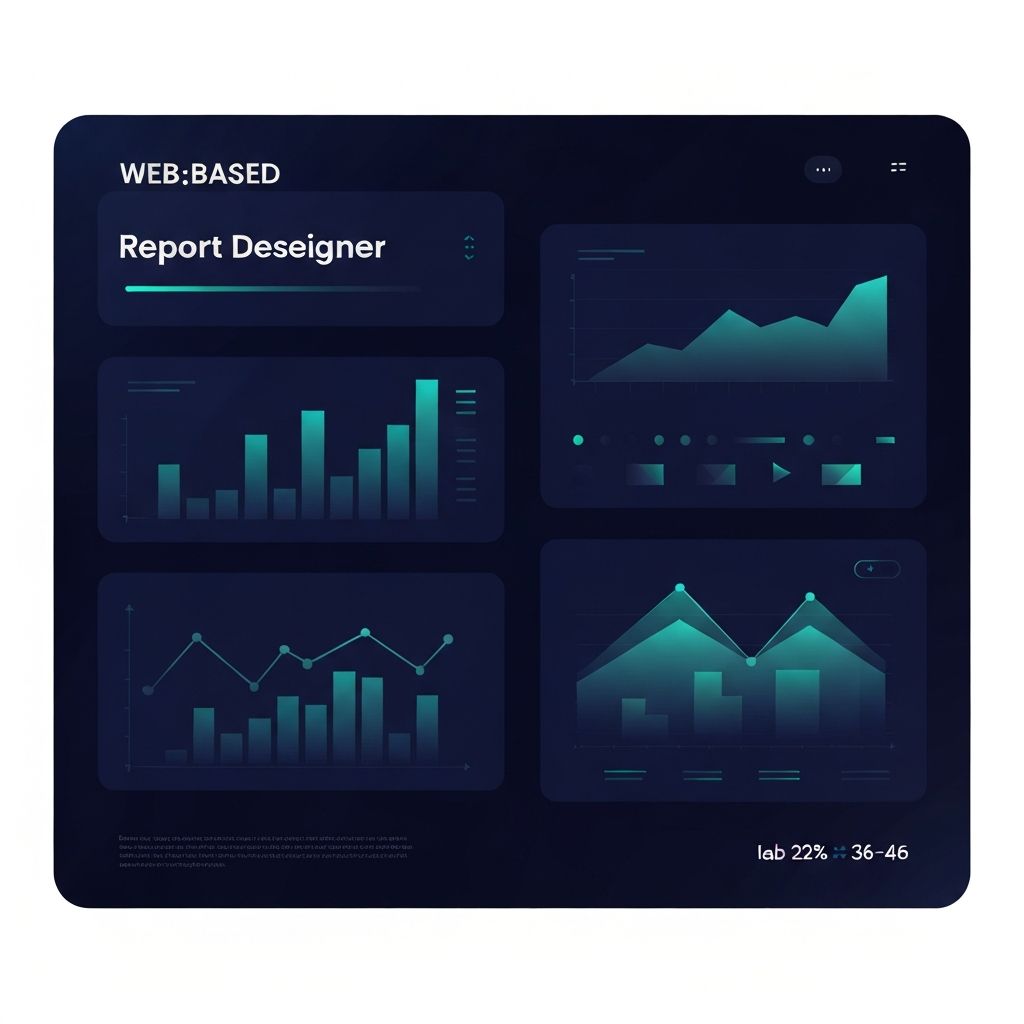
An effective web based report designer combines several capabilities into a unified experience. A drag-and-drop layout editor lets users compose reports from text, tables, charts, images, and dynamic data fields without writing code. A visual data binding interface connects each element to the underlying data source, supporting filters, parameters, and calculated fields. A preview mode lets users validate reports against real data before publishing.
Beyond the design surface, a strong report designer offers powerful data integration. Connectors to popular databases, REST APIs, and SaaS platforms allow reports to draw from multiple sources simultaneously. Scheduling and distribution features automate the delivery of reports via email, Slack, or shared dashboards. Export capabilities support common formats such as PDF, Excel, CSV, and HTML, ensuring that reports remain useful even outside the originating platform.
Underlying Technologies
Modern web based report designers are typically built on a stack of well-established web technologies. The front end uses frameworks such as React, Vue, or Angular to deliver responsive, interactive editing experiences. Charting libraries like ECharts, Recharts, Highcharts, or D3 power data visualizations, while grid libraries such as AG Grid handle complex tabular displays. PDF generation often relies on libraries like Puppeteer, wkhtmltopdf, or specialized server-side rendering engines.
On the back end, report engines connect to data sources, execute queries, and assemble report payloads. Caching layers, query optimization, and pagination ensure that reports remain fast even when datasets are large. Security features such as row-level access control and encrypted parameter handling protect sensitive information throughout the lifecycle of every report.
Designing for Business Users
The most successful web based report designers prioritize the experience of non-technical users. The interface should feel familiar, drawing inspiration from tools such as document editors, spreadsheet applications, and design platforms. Common patterns like undo and redo, copy and paste, and drag-and-drop organization make the editor approachable. Predefined templates and smart defaults help users start quickly without facing a blank canvas.
Collaboration features matter as well. Comments, shared folders, version history, and real-time co-editing turn reports into team artifacts rather than individual files. Approval workflows ensure that critical reports go through proper review before being published. Together, these features make reporting a collaborative activity rather than a siloed task.
Performance and Scalability
As reporting usage grows, performance and scalability become critical. Reports often span thousands of rows and complex calculations, and they may be consumed concurrently by hundreds of users. Architects must plan for this load by separating the reporting engine from transactional databases, using read replicas or dedicated analytical stores. Caching frequently accessed reports, parallelizing queries, and streaming results reduce latency dramatically.
Mobile performance is equally important. Many users now consume reports on tablets and smartphones. Responsive layouts, optimized rendering, and offline-friendly export options ensure that reports remain useful regardless of device. Real user monitoring helps identify slow areas and opportunities for further optimization.
Security, Governance, and Compliance
Reports often expose sensitive financial, operational, and customer data, so security must be built into every layer. Authentication should integrate with enterprise identity providers, while authorization should support fine-grained permissions at the report, dataset, and field level. Audit logs capture every view, edit, and export, supporting both internal governance and regulatory compliance.
Data masking, anonymization, and tokenization further reduce risk in environments where personal or financial information is involved. Combined with proper backup and disaster recovery practices, these controls turn the report designer into a trustworthy platform for the entire organization.
Final Thoughts
A web based report designer is far more than a convenience. It is a strategic platform that empowers business users, reduces IT burden, and accelerates decision-making across the organization. By focusing on the right features, technologies, user experience, and security practices, businesses can transform their reporting capabilities and unlock new levels of operational insight. With the right partner and the right design, every report becomes a step closer to a more data-driven enterprise.