
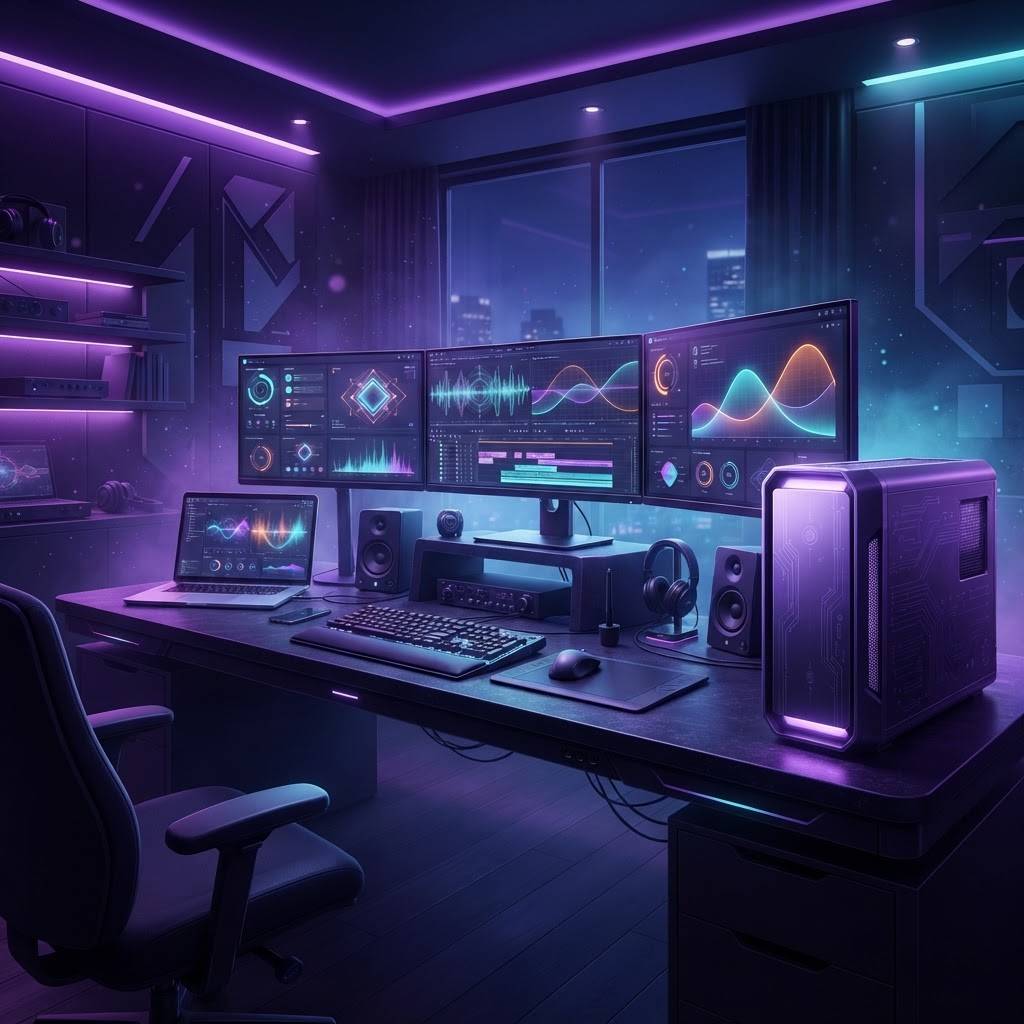
Computing Under Professional Pressure
Hollywood places unusual demands on computing hardware. Video editors work with high-resolution footage requiring enormous sustained read speeds. Visual effects artists run simulations that saturate processors for hours. Colorists need accurate displays and reliable GPU acceleration. Audio engineers require low-latency systems that never introduce artifacts. Meanwhile, production offices need dependable everyday machines that simply work.
In this environment, a computer is production infrastructure. Downtime during a delivery week costs more than the hardware itself, which is why professional buyers evaluate brands on thermal behavior, support responsiveness, and long-term driver stability rather than benchmark numbers alone.
What Creative Professionals Actually Need
Sustained performance matters more than peak performance. A machine that benchmarks impressively but throttles after twenty minutes is useless for a long render. Thermal design and cooling capacity therefore deserve more attention than clock speeds.
Memory capacity and storage throughput are frequently the real bottlenecks. High-resolution timelines and large scene files demand generous RAM and fast local storage, and upgradeability extends a workstation's useful life considerably.
Display accuracy is critical for anyone making color decisions. Factory calibration, wide gamut coverage, and calibration hardware compatibility are professional requirements, not luxuries.
Support quality is the final differentiator. Next-business-day onsite service, dedicated professional support channels, and predictable parts availability determine how quickly a failed machine returns to work.
Ten Computer Brands Serving Hollywood Professionals
Apple remains deeply embedded in editorial, audio, and design workflows, valued for silent high-performance operation, display quality, and tight software integration across creative applications.
Dell offers professional workstation lines with certified application support, comprehensive onsite service options, and the configurability that facilities require for standardized fleets.
HP provides workstations widely deployed in post-production, known for thermal engineering, ISV certification, and management tools that simplify large deployments.
Lenovo is respected for durable engineering and reliable keyboards in mobile workstations, with strong performance-per-dollar in professional configurations.
ASUS covers both creator-focused laptops and high-performance components, offering color-accurate displays at accessible price points.
MSI builds performance-oriented systems with strong GPU configurations and cooling designs suited to sustained rendering workloads.
Razer appeals to mobile creatives who need substantial GPU power in a compact, well-built chassis for on-location work.
Microsoft Surface serves producers, writers, and executives who prioritize portability, pen input, and long battery life over raw rendering capability.
Puget Systems builds custom workstations tuned to specific creative applications, with published performance testing that helps buyers configure precisely.
BOXX rounds out the list with purpose-built systems for visual effects and 3D workloads, including multi-GPU configurations and render node solutions.
Technology Trends Affecting Creative Computing
Unified memory architectures have changed the calculation for many editorial workflows, allowing high-resolution work on comparatively compact machines and reducing reliance on discrete GPU memory limits.
Hybrid local and cloud rendering is becoming common. Facilities keep powerful local workstations for interactive work while offloading heavy renders to cloud capacity, which changes what a workstation must actually handle.
Machine learning acceleration is increasingly relevant as creative applications integrate AI-assisted tools for rotoscoping, noise reduction, and upscaling. Hardware with dedicated acceleration handles these tasks substantially faster.
Storage architecture has also evolved, with high-speed networked storage and fast local caching replacing the simple internal-drive model for facilities working collaboratively.
Practical Purchasing Guidance
Specify from the workload rather than the catalog. Identify the applications, resolutions, and project sizes involved, then configure to those requirements with headroom for growth over three years.
Prioritize support terms for production-critical machines. The cost difference between standard and onsite next-day service is trivial against a missed delivery. For facilities, standardizing on one or two configurations simplifies support, imaging, and spare-parts strategy.
Test before fleet deployment. A single evaluation unit running real project files reveals compatibility and thermal issues that specifications never show.
Making Hardware Decisions That Last
The brands listed here have earned their positions in Hollywood through demonstrated reliability under real production pressure. The right choice depends less on which brand is objectively best and more on which one matches your workflow, support requirements, and upgrade philosophy.
Professionals who define their needs precisely and buy for sustained performance rather than headline specifications consistently get more productive years out of their systems, which is the only metric that ultimately matters when a deadline is approaching.
Building Around the Workstation
A workstation rarely operates alone. Storage architecture, network capacity, backup systems, and display calibration all shape real-world performance. A powerful machine connected to slow shared storage will stall regardless of processor capability, which is why facilities increasingly invest in networking before upgrading computers.
Backup discipline deserves particular attention. Creative work represents enormous labor investment, and a single drive failure without redundancy can erase weeks. Maintaining multiple copies across separate media and locations is standard practice in professional environments for good reason.
Planning Refresh Cycles
Hardware refresh works best as a planned rotation rather than a reaction to failure. Many facilities move machines down a tier as they age, with newest systems going to the heaviest workloads and older units continuing in lighter roles for several more years.
This approach spreads capital expenditure evenly, keeps critical workflows on current hardware, and extracts full value from each purchase. It also simplifies support, since the fleet ages predictably and end-of-life planning happens on schedule rather than in an emergency.