
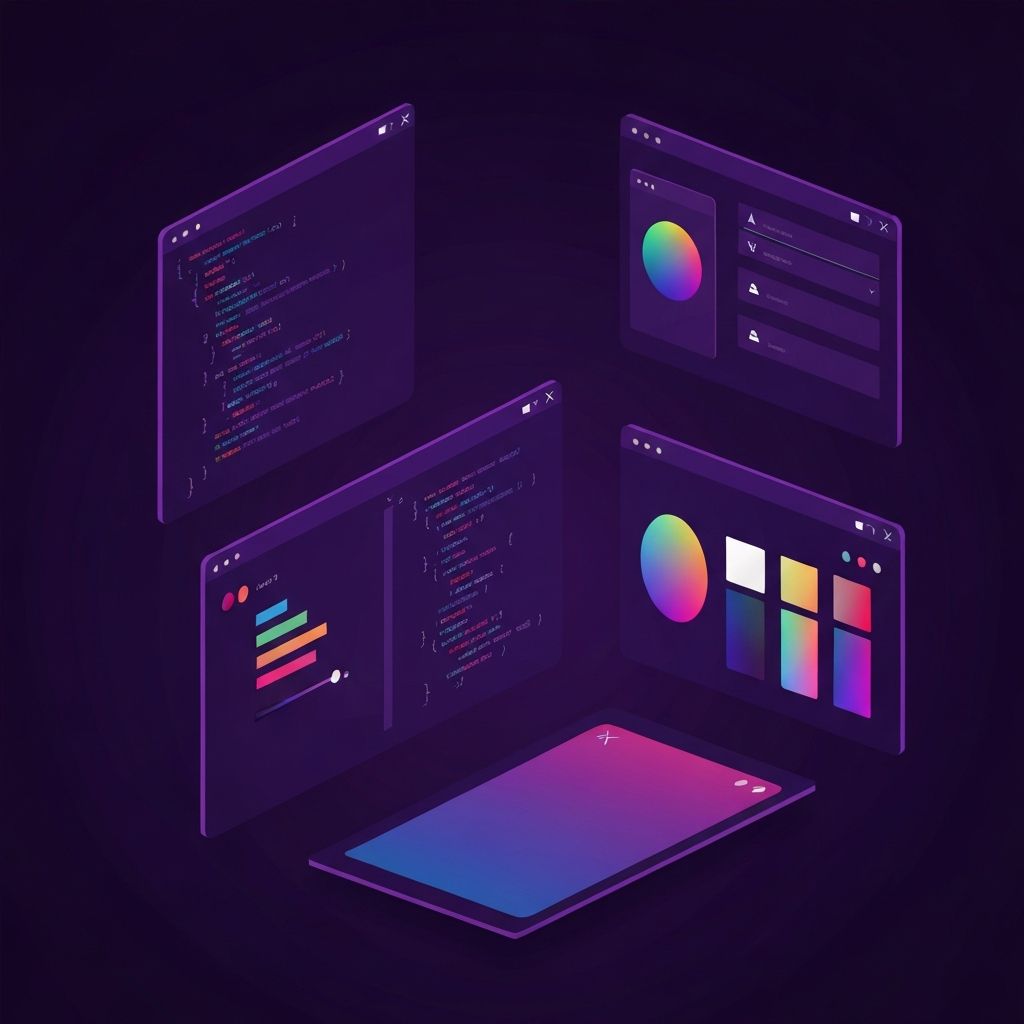
Why The Right IDE For Web Design Matters
An integrated development environment, often called an IDE, is the workspace where web designers and developers spend most of their time. The right IDE for web design can dramatically improve productivity, reduce frustration, and help produce cleaner, more maintainable code. The wrong one can slow projects down and create unnecessary friction every single day.
While text editors and IDEs may look similar at first glance, the differences matter. A modern IDE typically includes features like syntax highlighting, code completion, debugging tools, version control integration, and live preview. Together, these features create a much smoother experience than working in a basic editor or, worse, a plain text file.
How AAMAX.CO Uses Modern Tooling To Deliver Better Websites
For businesses that want to benefit from professional tooling without managing it themselves, hiring AAMAX.CO is a smart option. They are a full-service digital marketing company offering web development, digital marketing, and SEO services worldwide. Their developers use modern IDEs and best practices to deliver clean, efficient code, which means clients get faster, more reliable websites without needing to worry about the technical setup themselves. The right tools in the right hands consistently produce better results.
Visual Studio Code: The Modern Favorite
Visual Studio Code, commonly known as VS Code, has become the most popular IDE for web design and development in recent years. It is free, fast, and supported by a massive ecosystem of extensions. Designers and developers can install plugins for almost any framework, language, or workflow imaginable.
VS Code includes intelligent code completion, integrated terminal access, version control support, and live debugging. Its lightweight feel combined with deep customization makes it a great fit for both beginners and experienced professionals.
WebStorm: A Powerhouse For Serious Developers
WebStorm is a paid IDE built specifically for JavaScript and modern web development. It offers deep integrations with popular frameworks, sophisticated refactoring tools, and powerful debugging capabilities. While the learning curve is steeper than VS Code, many professional developers swear by the productivity gains it delivers.
For teams working on large applications with TypeScript, React, or Vue, WebStorm can pay for itself quickly through faster development cycles and fewer bugs in production.
Sublime Text: Speed And Simplicity
Sublime Text remains a favorite among developers who value speed and simplicity. It opens instantly, runs efficiently on older hardware, and offers a clean, distraction-free interface. While it has fewer built-in features than VS Code or WebStorm, its plugin ecosystem fills most of the gaps.
For designers who write small amounts of code or who prefer a minimal environment, Sublime Text is still an excellent choice. Its multi-cursor editing and command palette features remain genuinely impressive even years after launch.
Atom And Its Successors
Atom was once a leading IDE for web design, but its development has slowed significantly. Many former Atom users have migrated to VS Code or other modern editors. However, projects inspired by Atom continue to influence the broader IDE ecosystem, and its legacy remains visible in many of today’s tools.
For new projects, choosing a more actively maintained IDE is generally a better decision. The pace of change in web development is rapid, and tools that fall behind quickly accumulate problems.
Cloud-Based IDEs
Cloud-based IDEs have grown rapidly in popularity. Tools like GitHub Codespaces, Gitpod, and Replit allow developers to work entirely from a browser without needing to install anything locally. This is especially useful for teams that work remotely, switch devices frequently, or want consistent environments across all team members.
Cloud IDEs also make collaboration easier. Multiple developers can work in the same environment in real time, similar to how teams collaborate in cloud-based document editors. For modern web design teams, this can be a game changer.
Live Preview And Design-Focused Tools
Some IDEs and editors offer features specifically aimed at web designers rather than backend developers. Live preview, integrated browser views, and visual editing tools allow designers to see changes in real time as they update HTML, CSS, or JavaScript. Tools like Brackets historically led in this area, while modern alternatives now offer similar capabilities through extensions.
For designers who think visually, these features can dramatically reduce the time between writing code and seeing the result. The faster the feedback loop, the more creative the work tends to be.
Integration With Version Control
Any modern IDE for web design should integrate cleanly with version control systems, especially Git. The ability to commit, push, pull, and resolve merge conflicts directly inside the IDE saves enormous amounts of time and reduces context switching.
Strong version control habits also protect projects from disaster. Every commit becomes a safety net, allowing developers to roll back changes if something goes wrong. An IDE that makes version control easy encourages these habits and produces more resilient projects.
Customization And Extensions
The ability to customize an IDE to match personal preferences is often underestimated. Themes, keyboard shortcuts, code snippets, linting rules, and formatting tools can all be tailored to a designer’s workflow. Over time, these customizations add up to significant productivity gains.
Extensions also allow IDEs to grow with the needs of their users. A designer who starts with basic HTML and CSS work can gradually add support for frameworks, build tools, and testing libraries as their skills expand.
Conclusion
The right IDE for web design is a personal choice, but it is also a meaningful one. Whether the answer is VS Code, WebStorm, Sublime Text, or a cloud-based platform, investing time in mastering a powerful environment pays off every single day. With the right tools—and the right team behind them—web design becomes faster, cleaner, and more enjoyable, ultimately leading to better websites for clients and end users alike.